Kusto query editor
Open .kql files directly with F4 for query-aware colors, structural diagnostics, safe saving, search, and optional Copilot assistance.
BobCommander brings dual-pane navigation, durable operations, search, synchronization, archives, remote protocols, disk usage analysis, an AI-assisted editor, and plugins together in one modern application built for keyboard and mouse.
Local MCP tools require 2.48.0 or later; GUI-approved durable plans require 2.49.0 or later. Check the separate Experimental channel for availability: these are not promises about the current Stable download.
Choosing Later no longer removes the update badge from the footer. MSI updates now revalidate the signed package in an administrator-only directory, wait for the real Windows Installer result, and retain the protected package and verbose log if installation fails.
Open .kql files directly with F4 for query-aware colors, structural diagnostics, safe saving, search, and optional Copilot assistance.
Save one pane or both panes to a compact .bctabs file, then append or replace tabs later with guarded network-path import.
Each pane shows used capacity and exact free space, with green at 30% or more free, yellow from 10% to below 30%, and red below 10%.
Every part of the project is designed for real files, long-running operations, and heterogeneous environments without sacrificing safety or predictability.
Copy and move through Commander-style option dialogs and foreground progress, then continue in a persistent queue with pause, resume, retry, conflict handling, and recovery.
Incremental search, advanced filters, duplicate detection, directory comparison, and previewed synchronization.
Browse, create, extract, and test supported archives with configurable safety limits. RAR is read, extract, and test only.
FTP, FTPS, SFTP, and WebDAV connections, plus AzCopy uploads to Azure Blob, Data Lake, and Azure Files.
Configurable shortcuts, command bar, external tools, and a CLI with secure forwarding to the running instance.
An isolated SDK and x86/x64 bridge for native WCX, WFX, WLX, and WDX plugins outside the main process.
An animated scan with an auto-expanding hierarchy, live size sorting, and a space map that reshapes as folders are measured. Pause and resume long scans without losing progress.
Syntax highlighting, an AI-assisted editor, live Markdown preview, and a Lister for text, hexadecimal, images, CMTrace logs, and files larger than 4 GB.
Repositories are detected as you browse, highlighted with a distinct pane frame, and exposed through dedicated Git actions in the toolbar.
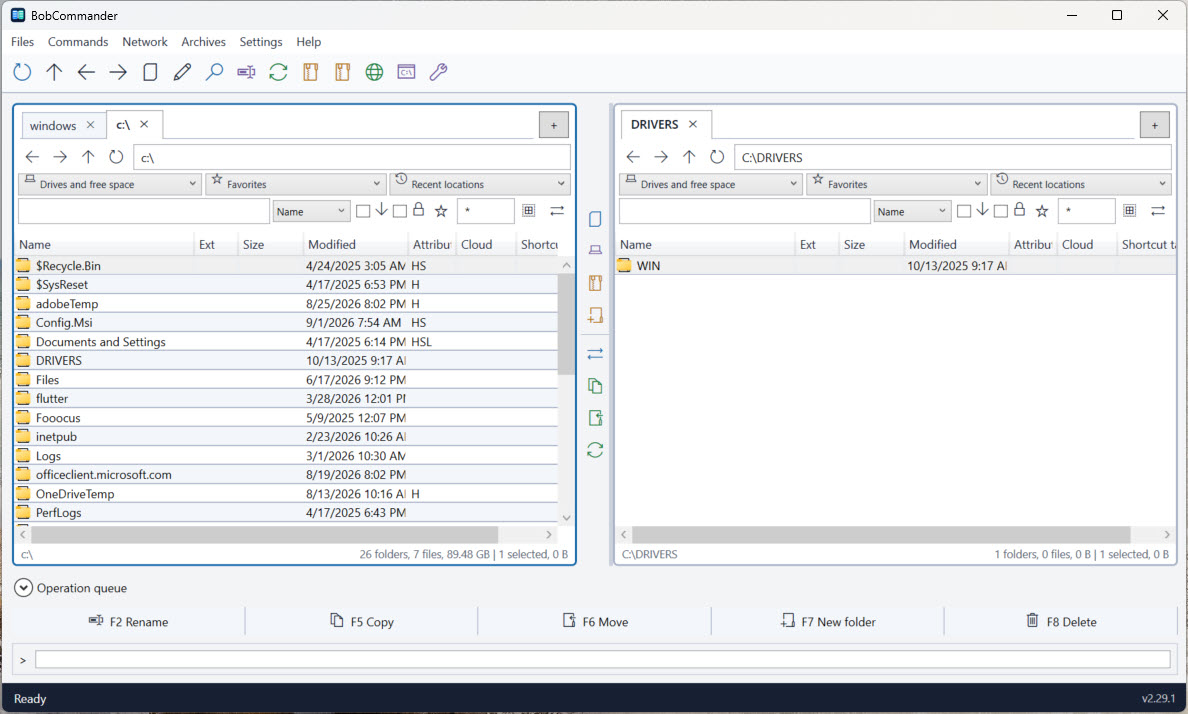
BobCommander 2.47.0 with demonstration files. Explore the workspace, archives, search, file operations, and disk allocation. Select an image to enlarge it; press Escape or Close to return.
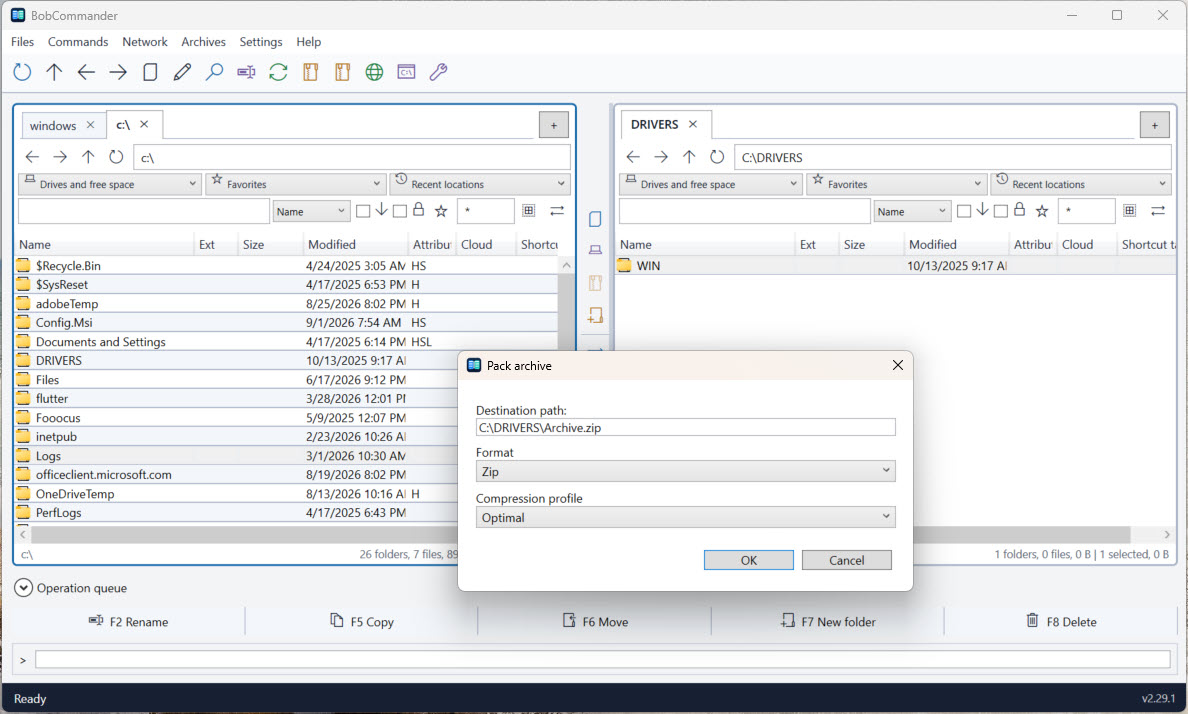
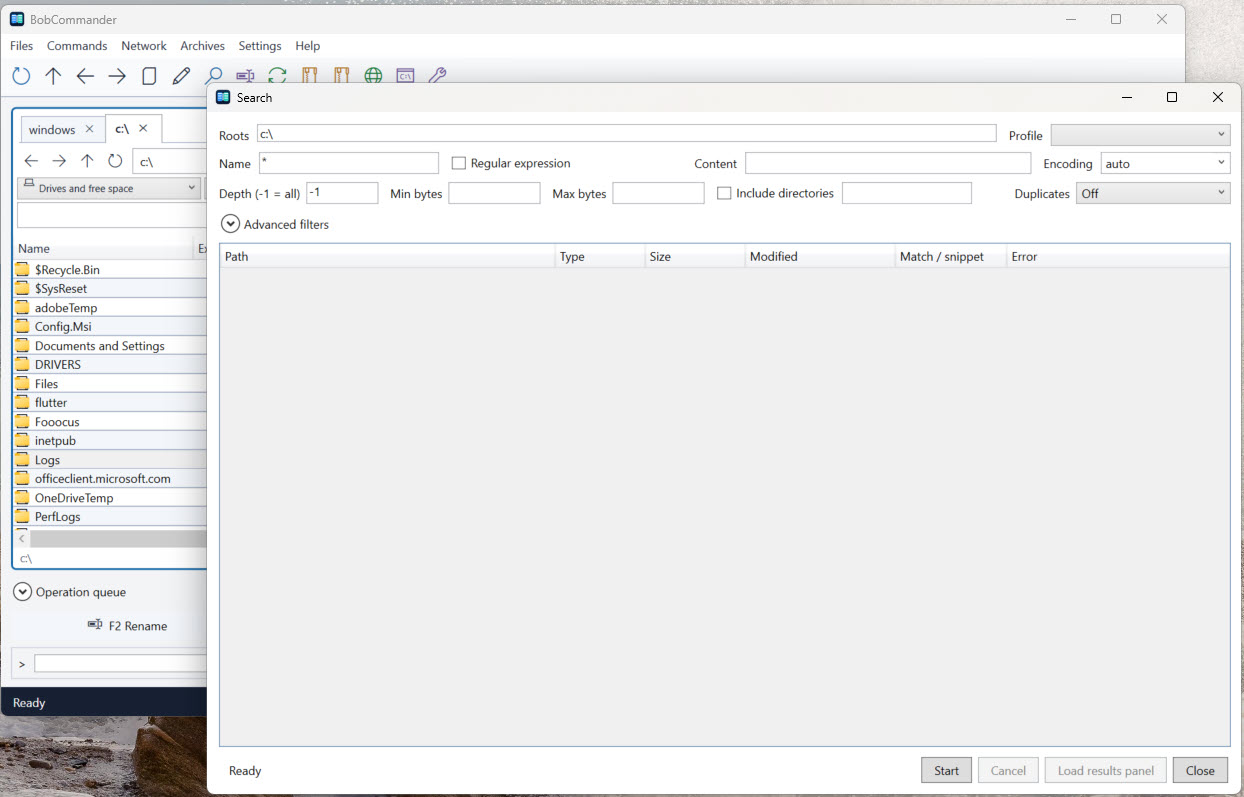
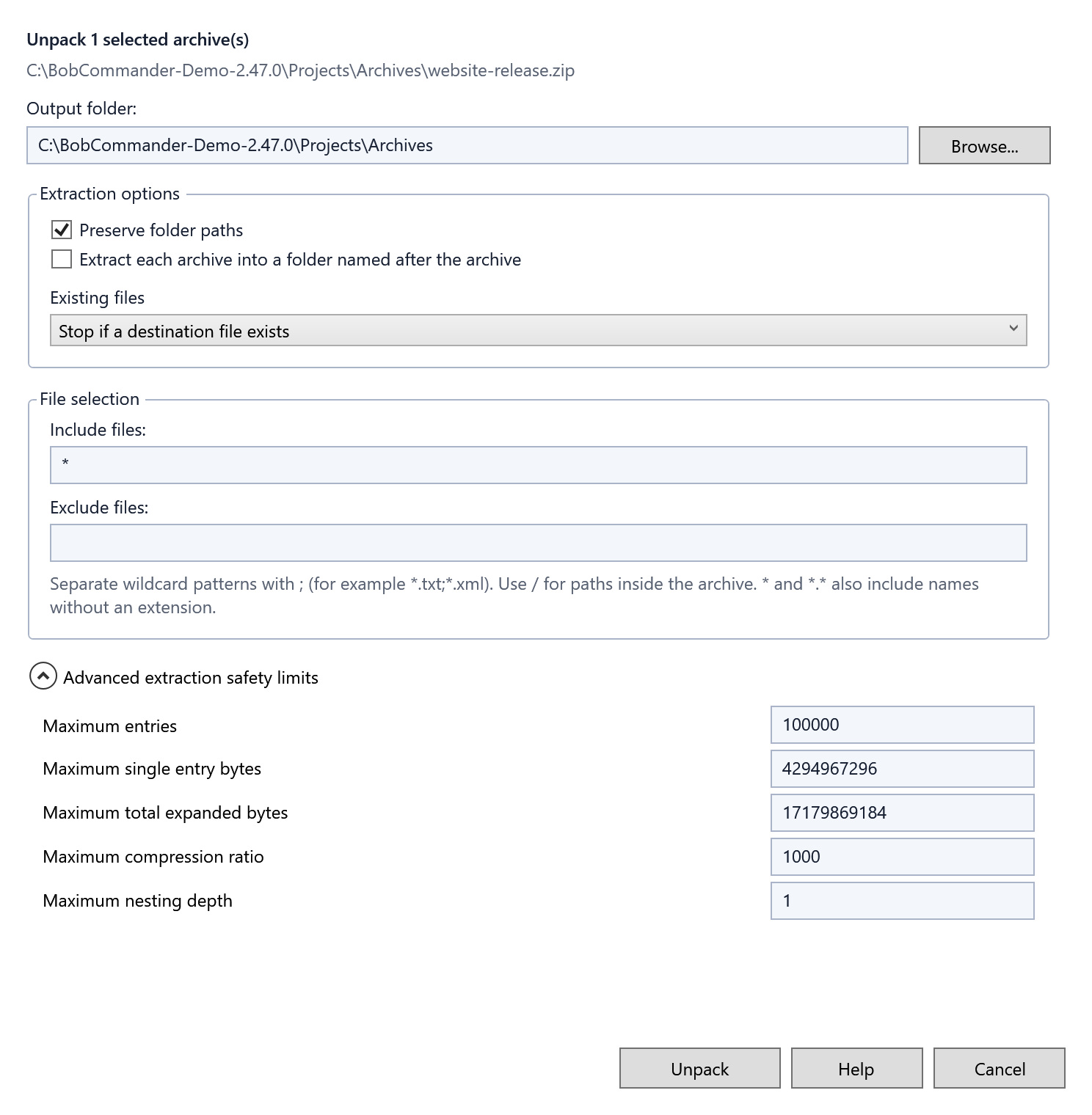
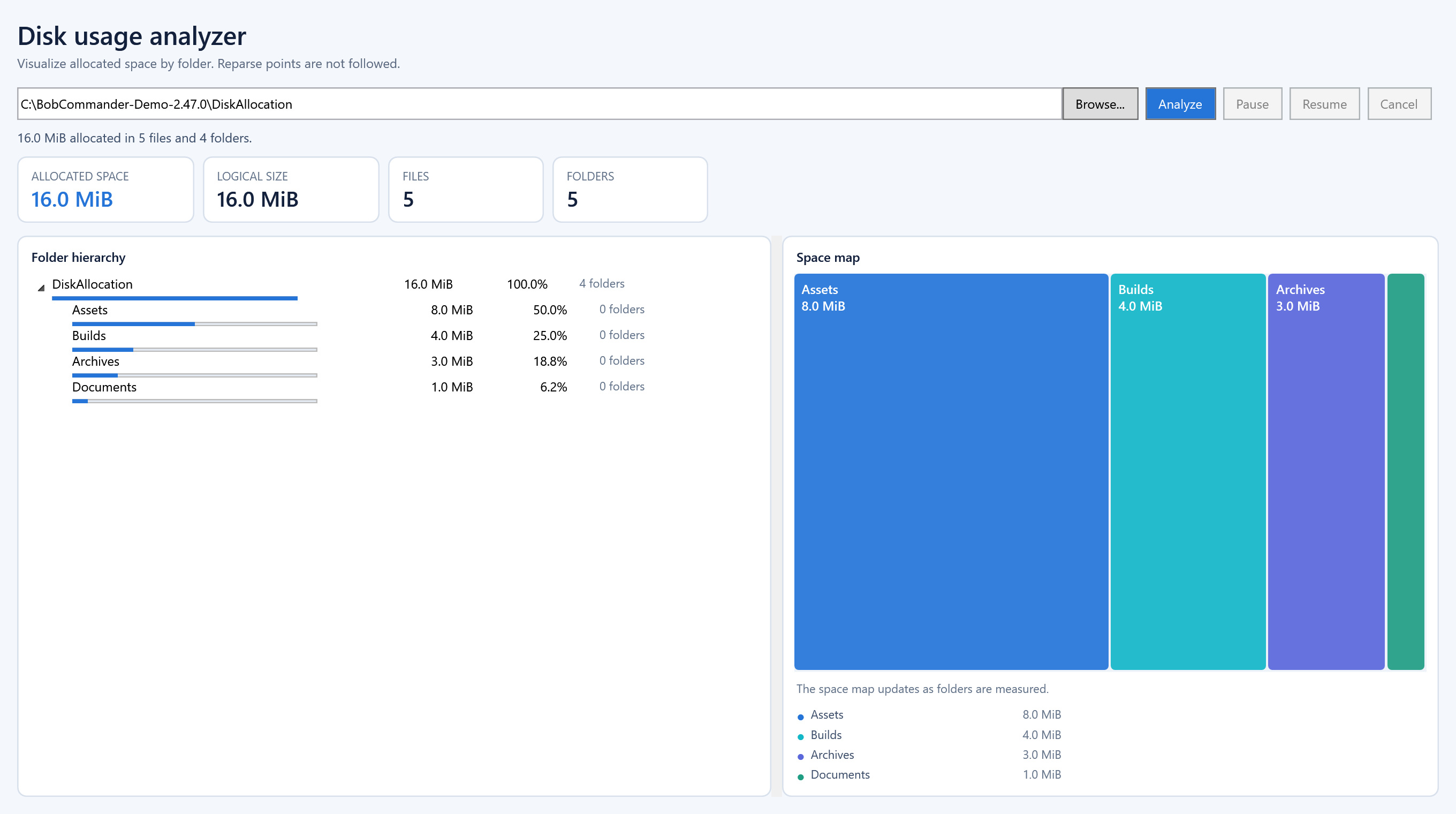
Feature-focused crops make command icons and file operation options easier to inspect.
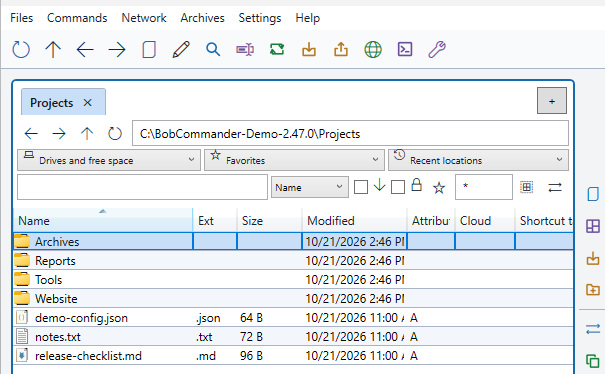
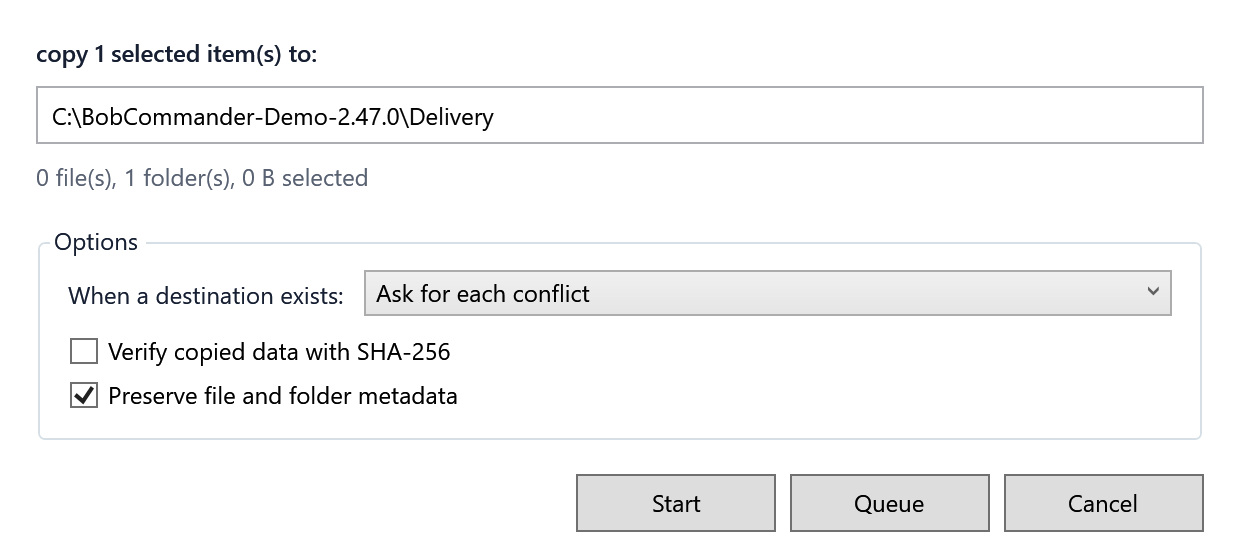
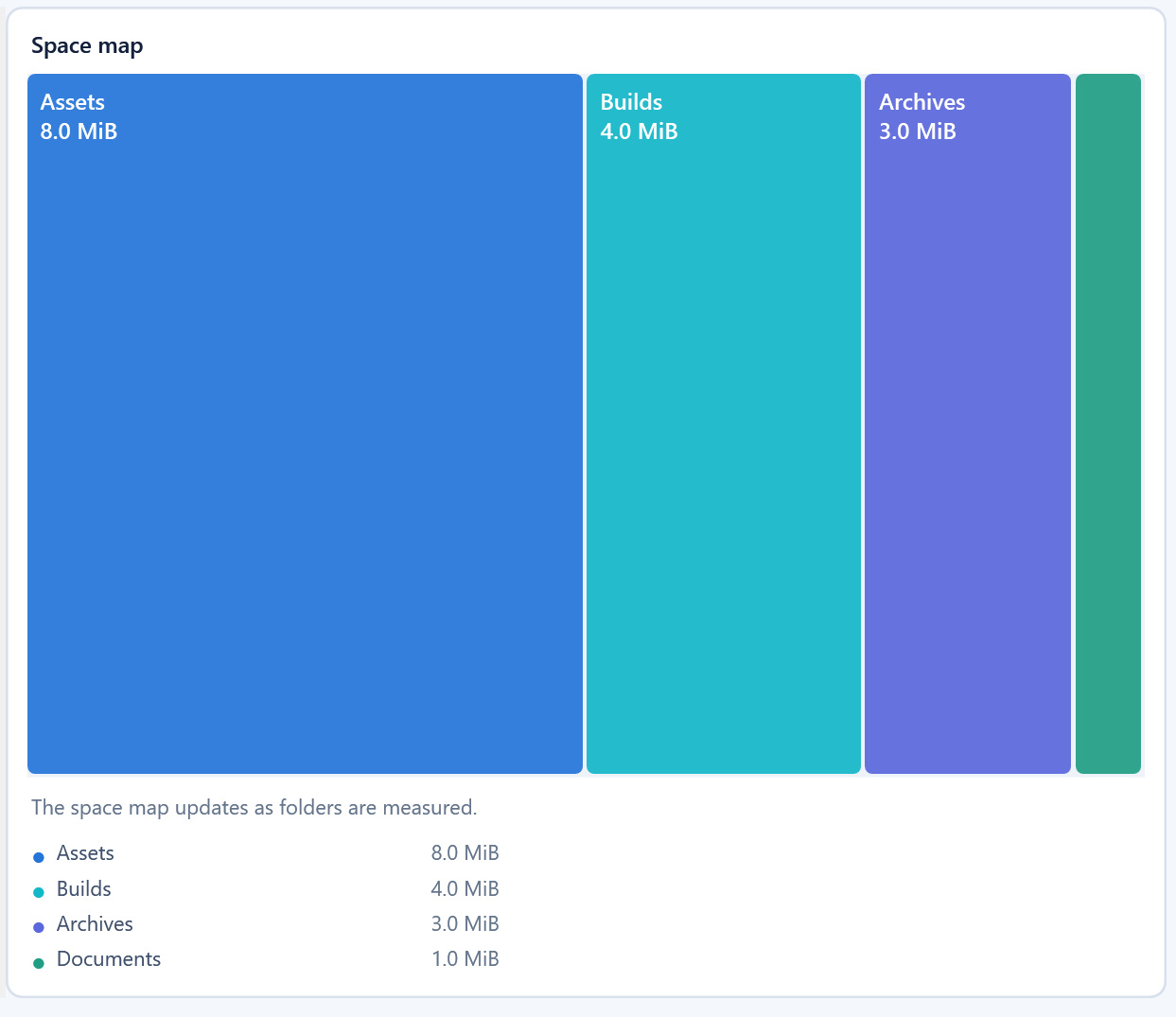
Explore all feature details, including archive and search controls →
A silent, 48-second tour of BobCommander screenshots. Start playback when you choose; English captions and a text transcript are provided below.
Watch the Disk Allocation Analyzer segment (00:40–00:48)
The 48-second tour uses a desktop capture, rendered application controls, and close-up crops, with no sound or live actions.
Self-hosted media needs no analytics consent. Playing or seeking the tour is not counted as a release download.
The interface keeps the dual-pane paradigm and extends it with modern tools, persistent configuration, and explicit controls for destructive actions.
The CLI communicates with the desktop application through an authenticated channel, using the same durable queue for navigation and file operations.
# Open a folder in the left pane
PS> bobcommander open "C:\Work" --side left

# Queue a copy to the backup drive
PS> bobcommander copy "C:\Work\report.docx" --to "D:\Backup"

# Start a search in the desktop application
PS> bobcommander search "C:\Work"

# Invoke a registered command
PS> bobcommander invoke navigation.refresh
The release manifest is signed with RSA-PSS, and every artifact is verified by size and SHA-256 before installation.
Loading signed release metadata…
This site sets no cookie and loads no third-party script until you allow it. Your choice is recorded in your own browser and is never sent to us.