Built for real file work

Keep files moving, not your attention.

BobCommander is a complete dual-pane workspace for Windows: fast navigation at the keyboard, explicit and resumable file operations, and the tools you need when Explorer stops being enough.

Free to download and use. No account, registration, subscription, or payment details required.

One workspace

Familiar at first glance. Capable when work gets serious.

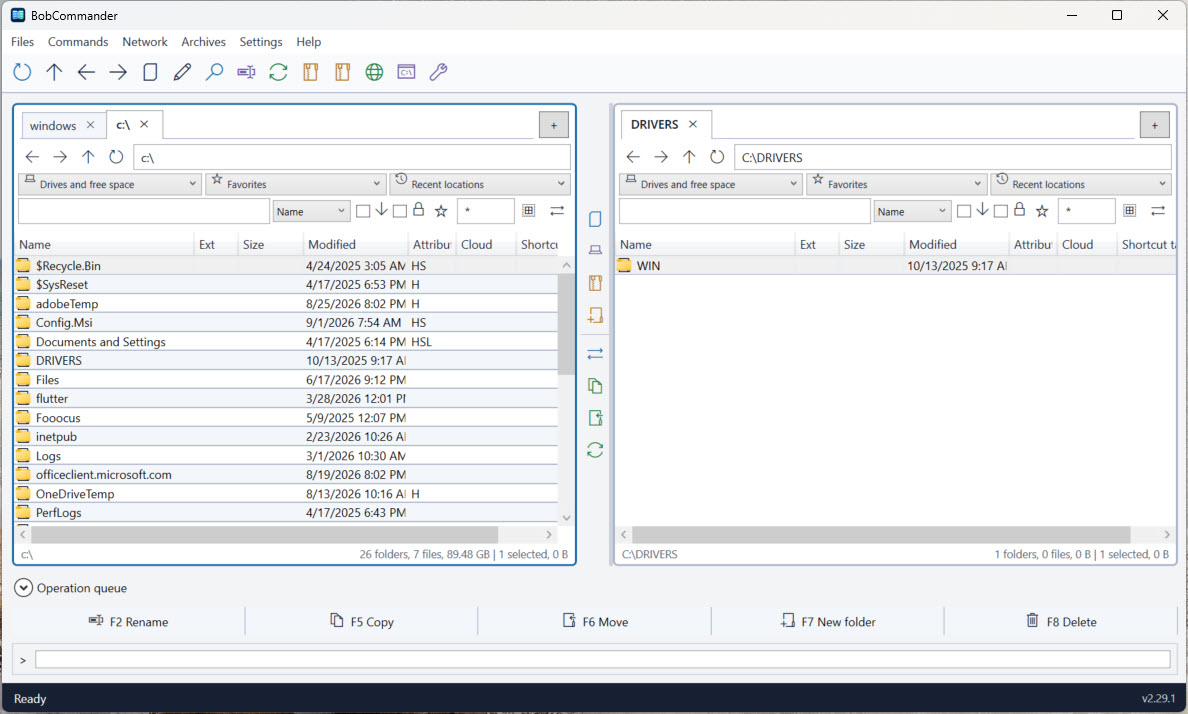
Two independent panes keep the source and destination visible, while advanced tab management, favorites, history, filtering, keyboard commands, and a live green/yellow/red disk-capacity warning make frequent navigation feel immediate. Signed updates remain accessible from the footer after choosing Later and revalidate MSI packages inside an administrator-only directory before installation.

↔

Dual-pane navigation

Browse, compare, select, and transfer without losing context. Tab menus provide duplicate, rename, opposite-pane copy, import/export, duplicate cleanup, and recently closed recovery. Both lock modes prevent closing: strict lock opens directory changes in a new tab, while permissive lock keeps navigation inside the protected tab. A real-time indicator reports free space for the current volume.

⇄

Durable file operations

Configure copy and move destinations and conflicts, with verification and metadata options for local transfers. Follow foreground progress or send the job to a visible queue with pause, retry, and recovery after restart.

⌕

Find and organize

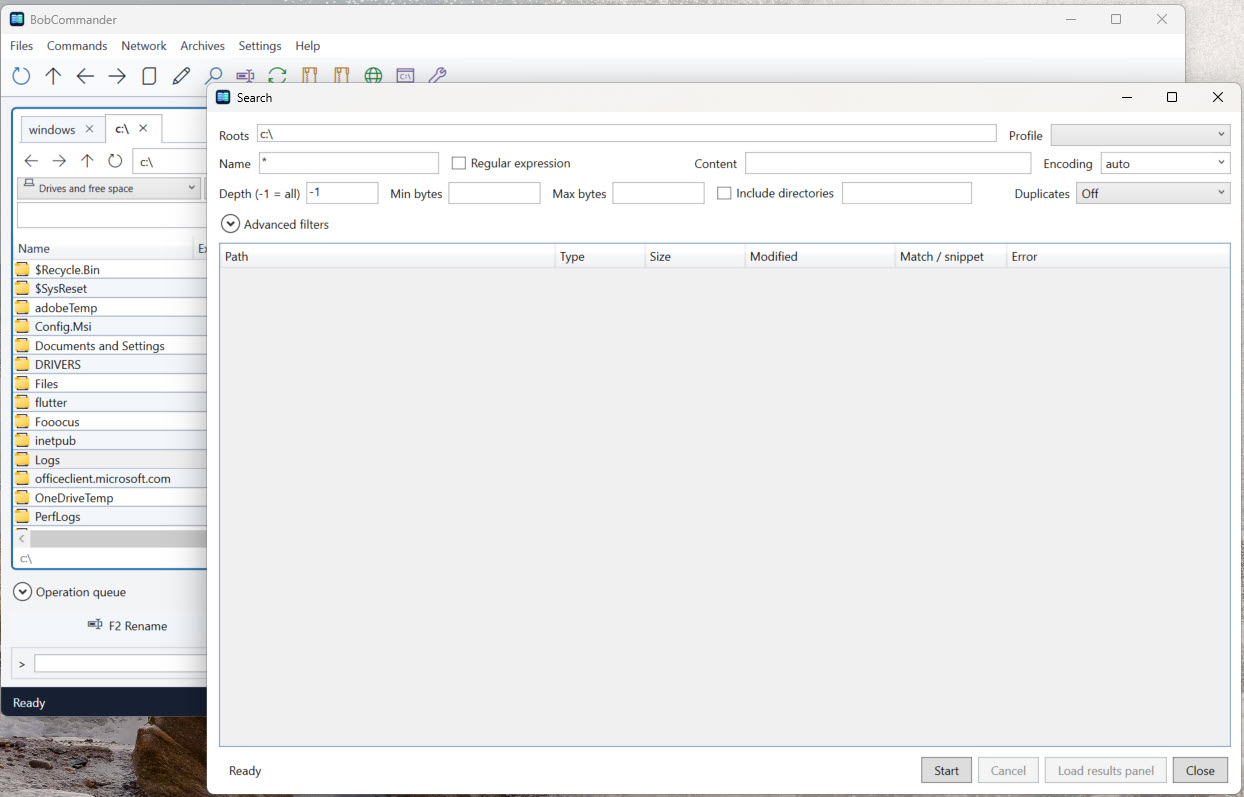
Search with detailed filters, find duplicates, batch-rename with previews, compare folders, and synchronize with an explicit plan before changing files.
Beyond local folders

Bring the places you work into the same view.

Open local, network, archive, and remote locations in the same pane model. Credentials remain protected by Windows Credential Manager rather than being stored in configuration exports.

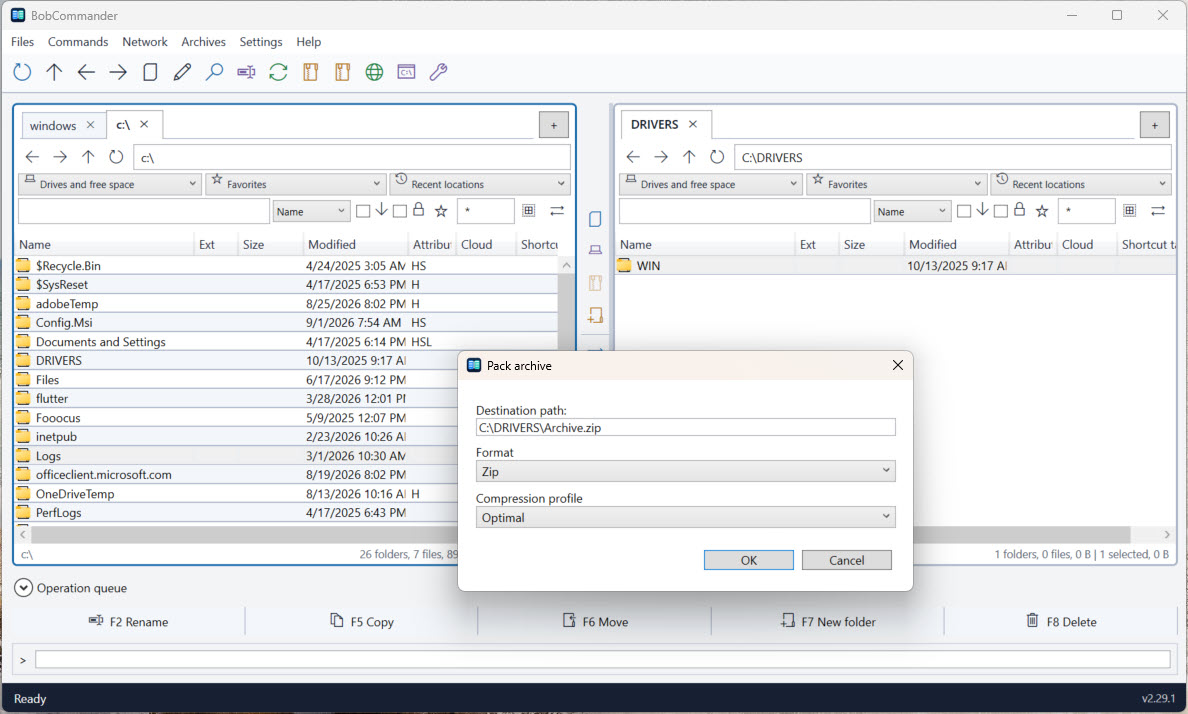
  • Archives as foldersBrowse ZIP, 7z, RAR, and TAR archives through durable jobs. RAR support is limited to reading, extraction, and testing.
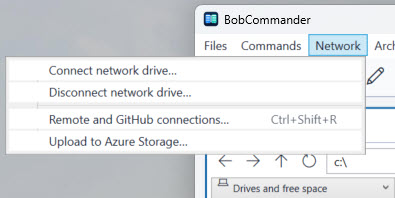
  • Remote and cloud connectionsWork with FTP, FTPS, SFTP, WebDAV, GitHub repositories, and Azure storage from provider-aware panels.
  • Windows integrationUse the Shell for Properties, Open With, Terminal, clipboard operations, links, cloud placeholders, and network drives.
  • Plugins with boundariesExtend the app with managed plugins or compatible Total Commander components, isolated outside the main process.
Screenshots

See the tools in their working context.

These screens are captured from BobCommander itself: the compact dual-pane workspace and the focused tools that extend it when a task needs more than browsing.

Inspect and understand

More than a file list.

Open a file without losing your place, see where disk space went, and use built-in tools to validate, transform, and clean up data.

F3

Lister and code editor

Inspect large text and binary files, or press F4 to edit PowerShell, KQL, Python, JSON, XML, Markdown, and configuration files with syntax-aware tooling.

▦

Disk usage analyzer

See folder allocation, a live expandable hierarchy, and a space map while a cancellable scan continues in the background.

#

Everyday utilities

Calculate and verify hashes, split and combine files, edit metadata and timestamps, export lists, and safely find empty folders.

Keyboard and mouse

Your workflow, not a new ritual.

Function-key operations, the Delete key for the confirmed Recycle Bin workflow, configurable shortcuts, compact toolbars, context-aware menus, a command bar, and a companion CLI let you choose the fastest route. Light, dark, high-contrast, English, and Italian experiences are built in.

Start with the essentials